Author: nTokenX|Published: 2026-08-31|Updated: 2026-08-31
vercel ai gateway is Vercel’s unified API layer for accessing multiple AI models through one endpoint, with authentication, routing, observability, and usage controls built around the Vercel developer workflow. If you searched this phrase, the fastest path is usually the official Vercel AI Gateway product page or documentation, but a quick visit does not always answer the harder question: whether it is the right gateway pattern for your application.
This guide is written for that navigational intent. It explains what Vercel AI Gateway is, where to go, how it fits into the AI SDK ecosystem, and what to check before adopting it for production workloads.
What Is Vercel AI Gateway?
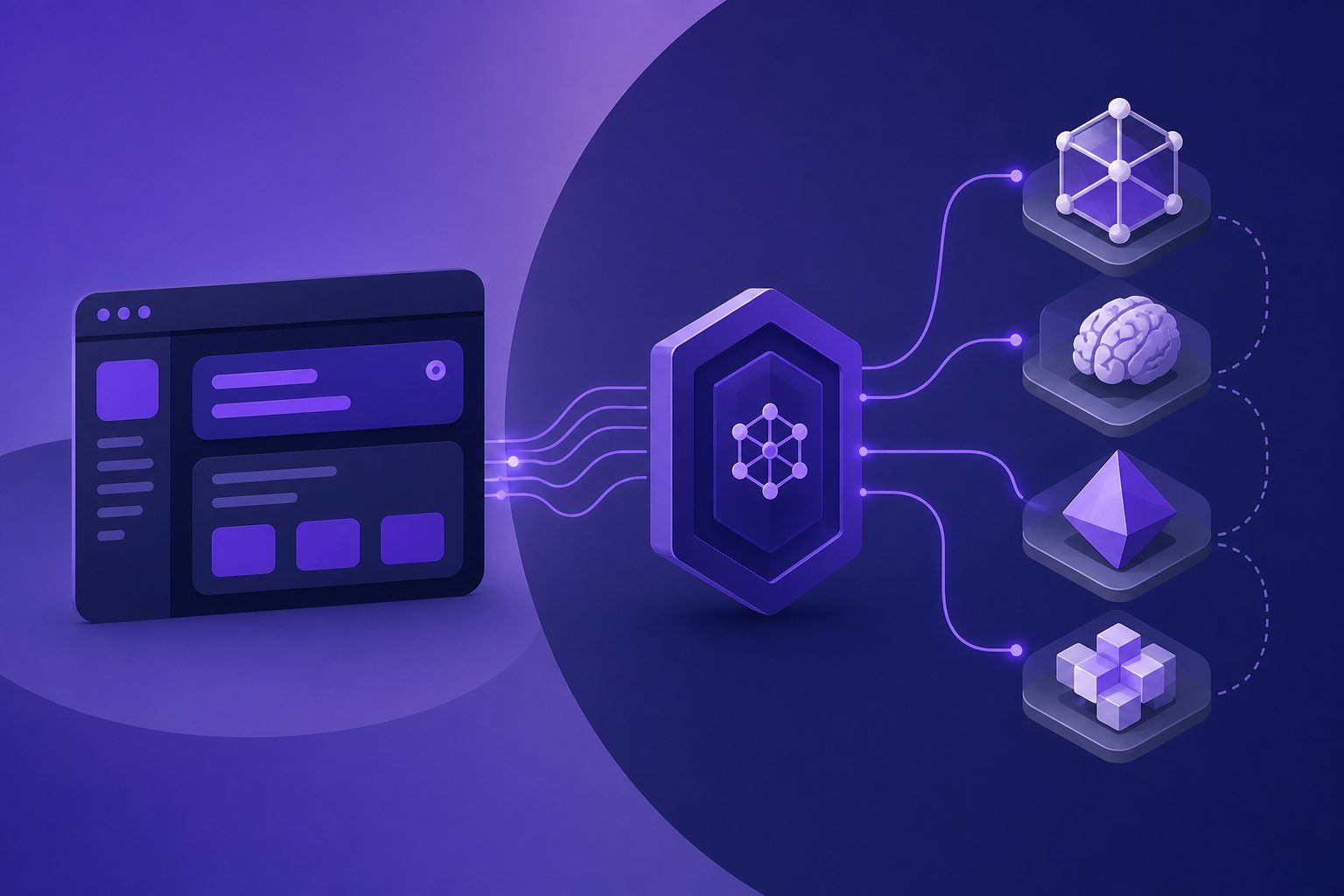
Vercel AI Gateway is a managed gateway that lets developers call models from multiple providers through a unified API and a single Vercel-managed access layer. According to the official Vercel AI Gateway documentation, it supports a single endpoint, model routing, usage monitoring, fallbacks, and integration with AI SDK as well as familiar API formats.
In practical terms, it sits between your application and model providers. Instead of wiring separate SDKs, credentials, billing views, and retry logic for every provider, your app sends model requests to the gateway. The gateway then forwards those requests according to the model, provider, authentication, and routing configuration.
That makes it especially relevant for teams already building with Next.js, Vercel deployments, or the Vercel AI SDK. It is less about “another model provider” and more about an orchestration layer for model access.
Where Should You Go If You Searched This Term?
For official access, start with Vercel’s AI Gateway product page, then move to the docs for implementation details, authentication, and models. The product page explains the value proposition, while the docs show how to create keys, set environment variables, and call models.
The most useful official destinations are:
- Vercel AI Gateway product page for the feature overview and positioning.
- Vercel AI Gateway documentation for endpoint behavior, supported APIs, routing, and limits.
- Authentication and BYOK documentation for API keys, OIDC, and bring-your-own-key usage.
- Models and providers documentation for how Vercel represents creators, providers, and model identifiers.
- AI Gateway pricing guidance for understanding how request cost is surfaced and verified.
A common mistake is to treat the landing page as the whole product. For production work, the authentication, provider routing, pricing, and observability pages matter more than the headline feature list.
How Does It Work With the Vercel AI SDK?
Vercel AI Gateway is closely aligned with the Vercel AI SDK, but it is not the same thing. The AI SDK helps you build AI features in JavaScript and TypeScript applications; the gateway provides a model access layer behind those calls.
With the AI SDK, a developer can specify a model string and send generation requests through the configured provider. Vercel’s documentation also describes compatibility with OpenAI-style Chat Completions, OpenAI Responses, Anthropic Messages, and other supported integration patterns.
That distinction matters:
| Area | Vercel AI SDK | Vercel AI Gateway |
|---|---|---|
| Main role | Application development toolkit | Unified model access and routing layer |
| Typical user | Frontend/full-stack developer | Developer, platform engineer, AI app team |
| Concern solved | Streaming UI, generation helpers, framework integration | Authentication, routing, usage, fallback, provider abstraction |
| Best fit | Building AI UX in apps | Managing access to many models from one control point |
For teams already using the AI SDK, the gateway can reduce provider-specific code and centralize usage tracking. For teams not using Vercel’s stack, it is still important to confirm API compatibility and deployment assumptions before committing.
What Problems Does Vercel AI Gateway Solve?
The gateway primarily solves integration sprawl: too many provider keys, too many APIs, too many billing views, and too much custom retry logic. It gives teams one layer for model access instead of repeating infrastructure work across every AI feature.
The main problems it addresses are:
-
Credential sprawl
Applications often start with one model key and quickly expand to several. A gateway reduces the need to expose multiple provider credentials across codebases. -
Provider switching friction
When every provider has a different SDK or API shape, switching models becomes a mini-migration. A unified interface lowers that switching cost. -
Fallback and reliability design
If one provider degrades, production systems need a controlled fallback path. Gateway-level routing can make this easier than hand-coded retries. -
Usage visibility
Teams need to know which models are being used, by which services, and at what cost. A gateway creates a natural place to collect that information. -
Budget governance
Spend caps and request-level cost visibility are critical once AI features move from experiments into customer-facing products.
These are gateway problems, not just Vercel problems. The same pattern appears in many multi-model API platforms, including systems where users bring their own model provider keys or use a unified model access API.
The nTokenX Gateway Fit Matrix
The most important adoption question is not “Does it support many models?” but “Does this gateway match your control, compliance, routing, and portability needs?” To make that decision clearer, use the nTokenX Gateway Fit Matrix below.
| Decision factor | Choose a Vercel-centered gateway when… | Consider a broader multi-model API layer when… |
|---|---|---|
| Application stack | Your app is already deployed on Vercel or built around Next.js and AI SDK | You run services across multiple clouds, backends, or client environments |
| Integration priority | Fast setup inside the Vercel workflow is the main goal | Provider-neutral access is more important than platform-native convenience |
| Credential model | You want Vercel-managed keys, OIDC, or BYOK inside its dashboard | You want one API key to call GPT, Claude, Gemini, Grok, and other models through a separate unified layer |
| Governance | Team-level Vercel controls fit your organization | You need model access governance independent of deployment platform |
| Portability | Most AI workloads live in Vercel-hosted apps | You expect model calls from workers, internal tools, mobile backends, or third-party systems |
| Evaluation depth | You are testing models inside product features | You compare model quality, latency, and token economics across many environments |
This framework is intentionally stricter than a feature checklist. A gateway can look attractive in a demo but still become a bottleneck if your application architecture, security model, or procurement process points in a different direction.
For teams evaluating unified model access beyond one hosting environment, nTokenX focuses on the broader pattern of applying one API key to access multiple model families such as GPT, Claude, Gemini, and Grok through a unified large model API approach.
What Should You Verify Before Using It in Production?
Before production use, verify authentication, provider coverage, routing behavior, logging, data handling, rate limits, and cost reporting with your own workload. Documentation tells you what is supported; production testing tells you whether it matches your traffic.
Use this checklist before shipping:
-
Authentication path
Confirm whether you will use API keys, OIDC, BYOK, or a combination. Check how keys are rotated and revoked. -
Model coverage
Confirm the exact models and providers you need. Do not assume that a model name in one ecosystem maps perfectly to another. -
Routing and fallback behavior
Test what happens when a provider returns errors, times out, or produces slower responses. -
Rate limits and throttling
Run realistic concurrency tests. Community questions around 429 errors show that rate behavior is a common production concern, even when a gateway is otherwise easy to adopt. -
Usage attribution
Verify whether you can trace requests by environment, project, user, feature, or team. -
Data handling
Review Vercel’s product terms, provider terms, and your own compliance obligations. If regulated data is involved, confirm the exact scope with the vendor. -
Cost visibility
Run a small controlled request set and compare dashboard cost, provider metadata, and your own token estimate.
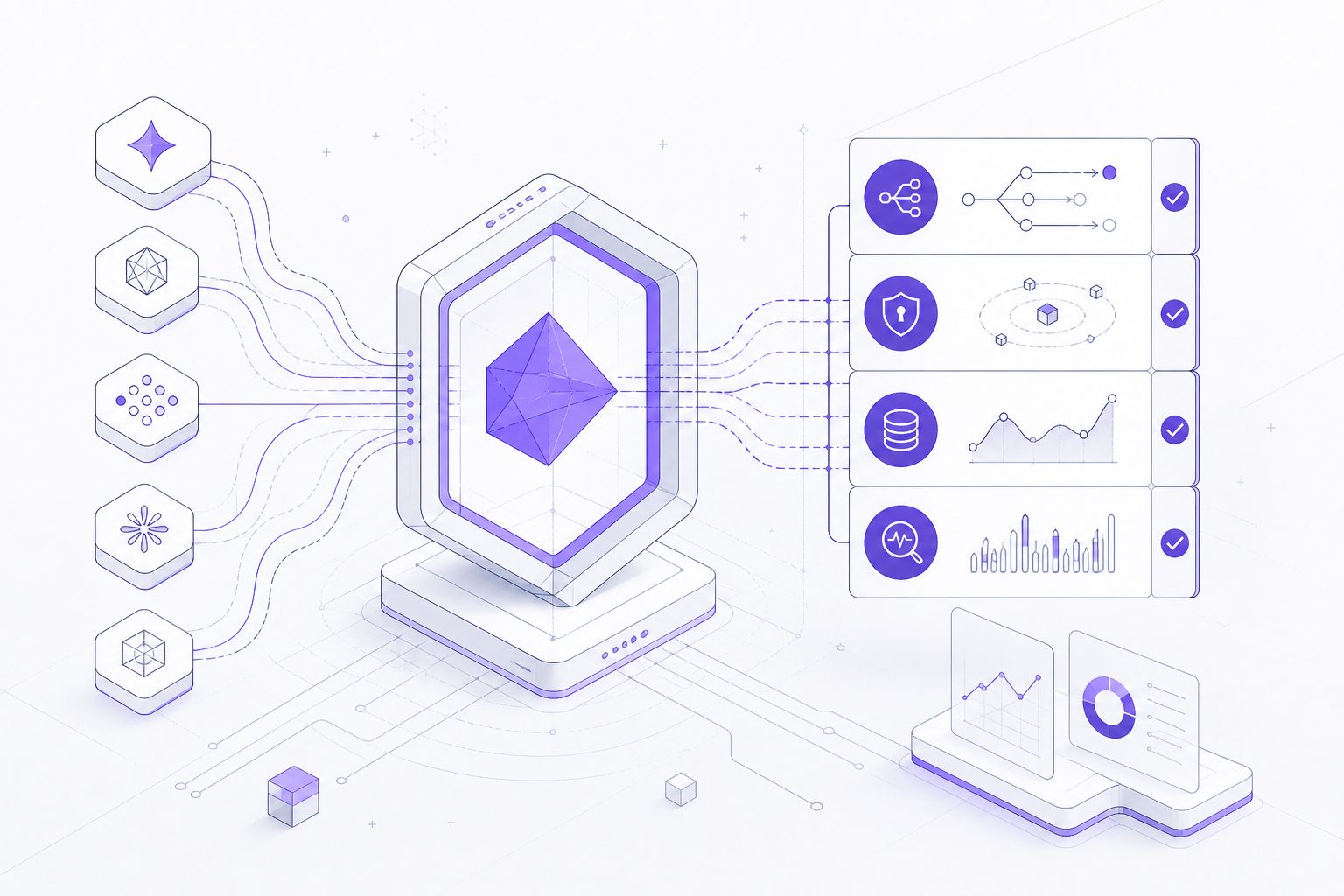
A useful first test is a “three-model smoke run”: send the same prompt to one fast model, one high-quality frontier model, and one backup model. Track success rate, time to first token, total latency, output quality, and reported cost. This reveals more than a hello-world example.
How Does It Compare With Other Multi-Model API Aggregation Patterns?
Vercel AI Gateway is one implementation of a broader category: multi-model API aggregation. In this category, a platform gives developers a unified way to call several model providers instead of integrating each one separately.
There are two major patterns:
| Pattern | How it works | Typical advantage | Main risk to check |
|---|---|---|---|
| API gateway with user-owned provider keys | Users bind their own OpenAI, Anthropic, Google, xAI, or other provider credentials; the gateway handles routing, billing views, and monitoring | Stronger account ownership and clearer provider relationship | Setup complexity and provider-by-provider configuration |
| Third-party model relay | The platform procures or resells model capacity and exposes one API to users | Fast onboarding and fewer vendor accounts | Authorization, stability, data security, and terms can vary widely |
This distinction is important for SEO, procurement, and compliance language. A compliant description is usually “multi-model API aggregation platform,” “unified large model API,” or “LLM gateway.” Avoid framing any gateway as a workaround for official access controls or provider rules.
nTokenX belongs in the unified access conversation because users apply for one API key and can call multiple model families, including GPT, Claude, Gemini, and Grok. For teams comparing cost structures and token usage patterns, the nTokenX guide to AI token discount and practical LLM cost control provides a complementary view of how token economics affect gateway decisions.
When Is Vercel AI Gateway a Strong Fit?
It is a strong fit when your AI application already lives in the Vercel ecosystem and you want model access, routing, and observability close to your deployment workflow. The fewer platform boundaries your team has, the more valuable that integration becomes.
Good-fit scenarios include:
- A Next.js app using AI SDK for chat, summarization, or generation.
- A product team experimenting with several models before choosing defaults.
- A Vercel-hosted application that needs simpler credential management.
- A small team that wants unified billing visibility without building internal AI infrastructure.
- A prototype that may need fallbacks without custom routing code.
In these cases, the gateway reduces operational drag. Developers can focus on product behavior rather than wiring every provider from scratch.
When Should You Consider an Alternative?
Consider another gateway or unified API if your AI traffic is not primarily tied to Vercel, or if platform neutrality is more important than native integration. The right model access layer should follow your architecture, not force your architecture to follow it.
Alternative evaluation makes sense when:
- You call models from several clouds, backend services, or internal tools.
- Procurement requires direct control over provider relationships.
- You need one AI access layer across Vercel and non-Vercel deployments.
- You want to compare GPT, Claude, Gemini, Grok, and other models through a provider-neutral API key.
- You need custom governance, tenant-level controls, or reporting not aligned with a hosting dashboard.
This is where a unified large model API can be more flexible. The tradeoff is that you must examine authorization, uptime, monitoring, and data policies carefully, especially with third-party relays.
A Practical Adoption Path
The safest adoption path is to start with a small, measurable workload, then expand only after authentication, routing, observability, and cost reporting are proven. A gateway should be introduced as infrastructure, not just as a convenience wrapper.
A practical rollout looks like this:
-
Pick one non-critical feature
Choose summarization, internal search assistance, or a support draft workflow before moving core user journeys. -
Define three success metrics
Track latency, failure rate, and cost per successful task. Add quality scoring if output quality is business-critical. -
Test at least two models
Use one default model and one fallback model. Confirm how model identifiers and provider routing behave. -
Log request metadata safely
Store request IDs, model names, latency, and cost indicators. Avoid logging sensitive prompts unless policy allows it. -
Set budget controls
Apply spend limits or alerts before increasing traffic. -
Review data terms
Confirm provider and gateway terms before sending customer or regulated data. -
Document an exit path
Keep your application logic separate enough that you can change gateway providers if business needs change.
This approach prevents lock-in from happening accidentally. The goal is not to avoid gateways; it is to make the gateway boundary explicit.
Common Questions
Is Vercel AI Gateway the same as the Vercel AI SDK?
No. The AI SDK is a developer toolkit for building AI features, while the gateway is a unified access layer for calling models. They work well together, but they solve different problems.
Does it support bring your own key?
Vercel’s official authentication documentation describes BYOK support, along with API keys and OIDC-based authentication. Production teams should verify which providers, features, and account agreements apply to their own setup.
Is it only for Next.js apps?
No, but it is especially convenient for teams already using Vercel and the AI SDK. If your AI calls come from multiple platforms or backend environments, compare it with a broader multi-model API aggregation platform.
How should teams evaluate pricing?
Check the current Vercel model catalog and pricing documentation, then run a controlled request and compare the reported request cost with your own token estimate. Avoid relying on static examples because model prices and provider availability can change.
What is the main alternative to Vercel AI Gateway?
The main alternative is a unified large model API or multi-model API aggregation platform that is independent of one deployment environment. nTokenX is one example of a platform where users apply for one API key to call multiple model families such as GPT, Claude, Gemini, and Grok.
Final Takeaway
Vercel AI Gateway is best understood as a Vercel-native control plane for multi-model AI access. It is useful when your product, deployment, and developer workflow already align with Vercel. It is not automatically the best answer for every organization that needs a unified AI API.
The right decision depends on where your applications run, how you manage credentials, how much portability you need, and how deeply you must audit cost, routing, and data handling. Use the official Vercel docs for implementation details, then apply a gateway fit matrix before routing real production traffic.