Author: nTokenX|Published: 2026-08-31|Updated: 2026-08-31
An AI Gateway is a control layer between applications and model providers. It gives teams one place to route LLM requests, manage keys, monitor usage, apply policies, and switch between models such as GPT, Claude, Gemini, Grok, and other hosted or self-managed endpoints.
For a single prototype, calling one provider directly is often enough. For a production system, direct integrations become harder to govern: each app handles credentials differently, cost data fragments across dashboards, and fallback logic is duplicated in every codebase.

What is an AI Gateway?
An AI Gateway is middleware that standardizes how applications call AI models. It typically exposes one API surface, then forwards each request to the right model provider based on rules for cost, latency, availability, compliance, or task quality.
The concept overlaps with an LLM gateway, model gateway, or unified AI API. The difference is mostly scope. An LLM gateway focuses on text and chat models, while a broader gateway may also handle embeddings, reranking, image generation, audio, agent tools, and retrieval workflows.
Major gateway patterns usually include:
- Authentication and key management for teams, apps, or environments.
- Routing and fallback across multiple model providers.
- Rate limits and budgets by project, user, or model.
- Observability for tokens, latency, errors, and response metadata.
- Policy enforcement for sensitive data, allowed models, and audit trails.
This is why an AI Gateway should be evaluated as infrastructure, not just as a convenience wrapper around model APIs.
Why do teams need one?
Teams need a gateway when AI usage moves from experimentation to shared production infrastructure. The first signs are duplicated SDK code, uncontrolled API keys, inconsistent logs, rising token spend, and unclear ownership of model behavior.
A direct integration is simple at the start:
App → Model provider API
A production environment often needs more control:
App → Gateway → Policy → Router → Model provider
                 ↓
              Logs, budgets, alerts
The gateway becomes the operational boundary where platform, security, and product teams can agree on rules. For example, a support chatbot may use a fast general model for classification, a stronger reasoning model for escalations, and a fallback provider when the primary API fails.
Cloudflare’s AI Gateway documentation describes common gateway capabilities such as analytics, logging, caching, rate limiting, retries, and model fallback. Envoy AI Gateway similarly documents OpenAI-compatible and Anthropic-compatible routing patterns in its supported endpoints documentation.
Core architecture of a production gateway
A production AI Gateway has two jobs: normalize requests and enforce runtime decisions. The best designs separate the data plane that handles traffic from the control plane that manages rules, credentials, limits, and reporting.
A practical architecture usually has six layers:
| Layer | What it does | Failure to avoid |
|---|---|---|
| Client adapter | Gives apps one interface | Every app using a different SDK |
| Authentication | Maps calls to users, apps, teams | Shared provider keys in source code |
| Policy engine | Enforces allowlists, budgets, data rules | Sensitive prompts leaving unchecked |
| Router | Chooses provider, model, and fallback | Hardcoded model choices |
| Telemetry | Logs usage, tokens, latency, errors | No way to debug cost or quality |
| Admin control plane | Manages rules and credentials | Manual changes with no audit trail |
This structure also supports two common platform models. In a formal API aggregation or gateway setup, users bind their own provider keys while the platform handles forwarding, billing views, and monitoring. In a third-party model relay setup, the platform procures or represents model capacity and exposes a unified API to users. The second category can vary significantly in authorization, reliability, and data protection, so procurement teams should review terms, logging behavior, and provider relationships carefully.
For developers who want one key to call multiple models, nTokenX focuses on a unified large-model API approach: users apply for one API key and can access models including GPT, Claude, Gemini, and Grok through a common interface.
AI Gateway vs API Gateway vs model router
An AI Gateway is not just a traditional API gateway with a new label. It inherits API gateway ideas—authentication, throttling, routing, and monitoring—but adds model-specific controls such as token accounting, prompt policies, provider failover, and LLM response observability.
| Capability | Traditional API gateway | Model router | AI Gateway |
|---|---|---|---|
| HTTP auth and rate limits | Yes | Sometimes | Yes |
| Multi-provider model routing | No | Yes | Yes |
| Token usage tracking | No | Sometimes | Yes |
| Prompt and response logging | No | Sometimes | Yes |
| Fallback by model/provider | Limited | Yes | Yes |
| Governance and audit rules | General API policies | Limited | AI-specific policies |
| Cost attribution by model | No | Sometimes | Yes |
A model router is a subset. It decides where a request should go. A gateway includes routing, but also handles the operational controls around that decision.
The Gateway Decision Ledger: an original framework
The Gateway Decision Ledger is a practical framework for judging whether a gateway is ready for production. It asks teams to record not only which model answered, but why that model was selected and what operational consequence followed.
Use five fields for every LLM request:
- Intent: What kind of task is this? Classification, extraction, reasoning, coding, search, summarization, or agent action.
- Constraint: What matters most? Latency, quality, cost ceiling, data residency, context length, or tool access.
- Decision: Which provider and model were selected, and whether fallback or retry happened.
- Evidence: Token count, latency, status code, cache hit, policy result, and prompt version.
- Outcome: User-visible success, failure reason, escalation, or quality score.
This ledger creates information that ordinary request logs miss. It lets teams answer questions like: “Did the expensive model improve outcomes for this workflow?” or “Which fallback actually protected uptime last month?”
A lightweight scoring model can make the ledger actionable:
| Dimension | Weight | Production question |
|---|---|---|
| Reliability | 25% | Can the gateway retry, fail over, and expose errors clearly? |
| Security | 25% | Can it protect credentials, redact sensitive data, and enforce policy? |
| Cost control | 20% | Can teams see and limit spend by app, user, and model? |
| Model flexibility | 15% | Can it add GPT, Claude, Gemini, Grok, or other models without rewriting apps? |
| Operability | 15% | Can engineers debug latency, quality, and provider incidents quickly? |
A gateway that scores well on routing but poorly on evidence is risky. It may move traffic intelligently, but it cannot explain decisions after an incident.
What should be logged without over-collecting data?
A gateway should log enough metadata to operate the system, not every sensitive detail by default. The safest baseline is to separate operational telemetry from prompt content and make full-content logging opt-in, time-limited, and access-controlled.
A sensible telemetry plan includes:
- Request ID, app ID, environment, and user or tenant identifier.
- Provider, model, endpoint, retry count, and fallback status.
- Input tokens, output tokens, total tokens, and cache status.
- Latency percentiles, HTTP status, provider error class, and timeout reason.
- Policy result: allowed, blocked, redacted, escalated, or transformed.
- Prompt template version and retrieval configuration, if applicable.
Security teams should treat the gateway as part of the AI control surface. The OWASP Top 10 for LLM Applications highlights risks such as prompt injection and sensitive information disclosure. A gateway cannot “solve” these alone, but it is a logical place to enforce data minimization, rate limits, tool restrictions, and audit trails.
How to choose routing policies
Routing policies should be simple enough to debug and explicit enough to audit. Start with deterministic rules, then add dynamic selection only where you have evaluation data to justify it.
Useful routing patterns include:
- Task-based routing: simple classification goes to a fast model; complex reasoning goes to a stronger model.
- Fallback routing: if provider A returns a timeout or rate-limit error, send the request to provider B.
- Budget-aware routing: use higher-capability models only for users, workflows, or confidence thresholds that justify them.
- Latency-aware routing: route real-time chat differently from offline batch summarization.
- Policy-aware routing: block or transform requests that contain restricted data before they leave the organization.
The key is to avoid invisible automation. Every routing decision should be explainable from logs. If the gateway silently changes providers, developers need to know whether response quality, data handling, or contractual obligations changed as well.

Cost control without turning the gateway into a black box
Cost control works best when the gateway gives teams clear attribution. Token totals should be visible by application, environment, model, user group, and prompt version.
The first cost win is usually not provider switching. It is finding waste: repeated prompts, oversized context windows, unnecessary retries, verbose system prompts, and requests that should have used embeddings or retrieval before generation.
For a practical cost-control checklist, pair gateway metrics with prompt and token optimization. The nTokenX guide to lowering LLM costs with AI token discount practices explains how token usage, batching, caching, and model choice affect total spend. A gateway makes those practices measurable across teams instead of leaving them inside one application.
Avoid selecting a gateway only on unit price claims. A cheaper request that fails, times out, or requires manual rework can cost more than a reliable request routed to the right model.
Implementation checklist for a 30-day pilot
A 30-day pilot should prove reliability, observability, and governance before a gateway becomes a dependency for every AI workload. Do not start by migrating everything.
Use this sequence:
-
Select two representative workflows
Pick one interactive workflow, such as chat or support triage, and one batch workflow, such as summarization or extraction. -
Define routing rules in writing
Document primary model, fallback model, timeout, retry count, and blocked data categories. -
Create a minimum telemetry schema
Track request ID, app, model, tokens, latency, error class, fallback, and policy outcome. -
Set budget and rate-limit boundaries
Apply limits by environment first. Development, staging, and production should not share the same quota behavior. -
Run replay tests
Send a fixed set of historical prompts through direct integration and gateway integration. Compare latency, errors, token use, and answer acceptability. -
Review incident behavior
Simulate provider timeouts, bad responses, and policy blocks. Confirm the application receives predictable errors. -
Decide with a scorecard
Use the Gateway Decision Ledger scoring model. If reliability or security fails, delay broader rollout.
This pilot gives stakeholders evidence rather than opinions. It also prevents a common mistake: adopting a gateway for convenience, then discovering too late that it lacks the audit trail or control model required for production.
Common mistakes to avoid
The biggest mistake is treating the gateway as a universal abstraction. Models are not identical databases behind a common SQL layer. They differ in context limits, tool behavior, safety policies, latency, output style, and error semantics.
Other mistakes include:
- Logging full prompts indefinitely without a retention policy.
- Using one shared master key across all applications.
- Failing open when policy checks are unavailable.
- Routing by cost only instead of task outcome.
- Ignoring provider-specific response differences after fallback.
- Letting application teams bypass the gateway for “temporary” fixes.
- Adding semantic caching without correctness rules for user-specific or time-sensitive answers.
A good gateway reduces complexity at the edge, but it does not remove the need for model evaluation, security review, or product-specific quality checks.
When is a unified multi-model API enough?
A unified multi-model API is enough when the main goal is simplifying access to several model families. A full enterprise gateway is needed when the organization also requires custom policy enforcement, deep audit trails, private deployment, or complex routing logic.
For many teams, the right path is staged:
- Stage 1: Unified access to multiple models through one API key.
- Stage 2: Usage visibility by project, model, and environment.
- Stage 3: Routing and fallback for reliability and cost control.
- Stage 4: Governance controls for data, users, tools, and compliance.
- Stage 5: Evaluation-driven optimization based on outcome data.
This staged view keeps adoption realistic. A small team may benefit most from simpler multi-model access. A regulated enterprise may need full control-plane design from day one.
Frequently asked questions
Is an AI Gateway the same as an LLM Gateway?
An LLM gateway usually focuses on large language model calls, while an AI Gateway can cover a broader set of AI services. In practice, many teams use the terms interchangeably when discussing chat, embeddings, routing, and observability.
Does a gateway improve model quality?
Not by itself. It improves the system’s ability to choose, test, monitor, and replace models. Quality improves when routing decisions are tied to evaluation data, prompt versions, and workflow outcomes.
Can a gateway reduce downtime?
Yes, if it supports retries, timeouts, provider fallback, and clear error handling. The application must still be designed to handle slower responses, different output styles, and partial failures.
Should prompts be stored in gateway logs?
Only when there is a clear operational need and proper controls. Many teams start with metadata-only logging, then enable full prompt capture for limited debugging windows with access restrictions and retention limits.
What is the safest first use case?
Start with a low-risk workflow that has measurable outputs, such as internal summarization, classification, or ticket tagging. Avoid beginning with autonomous agent actions that can modify external systems.
Key takeaway
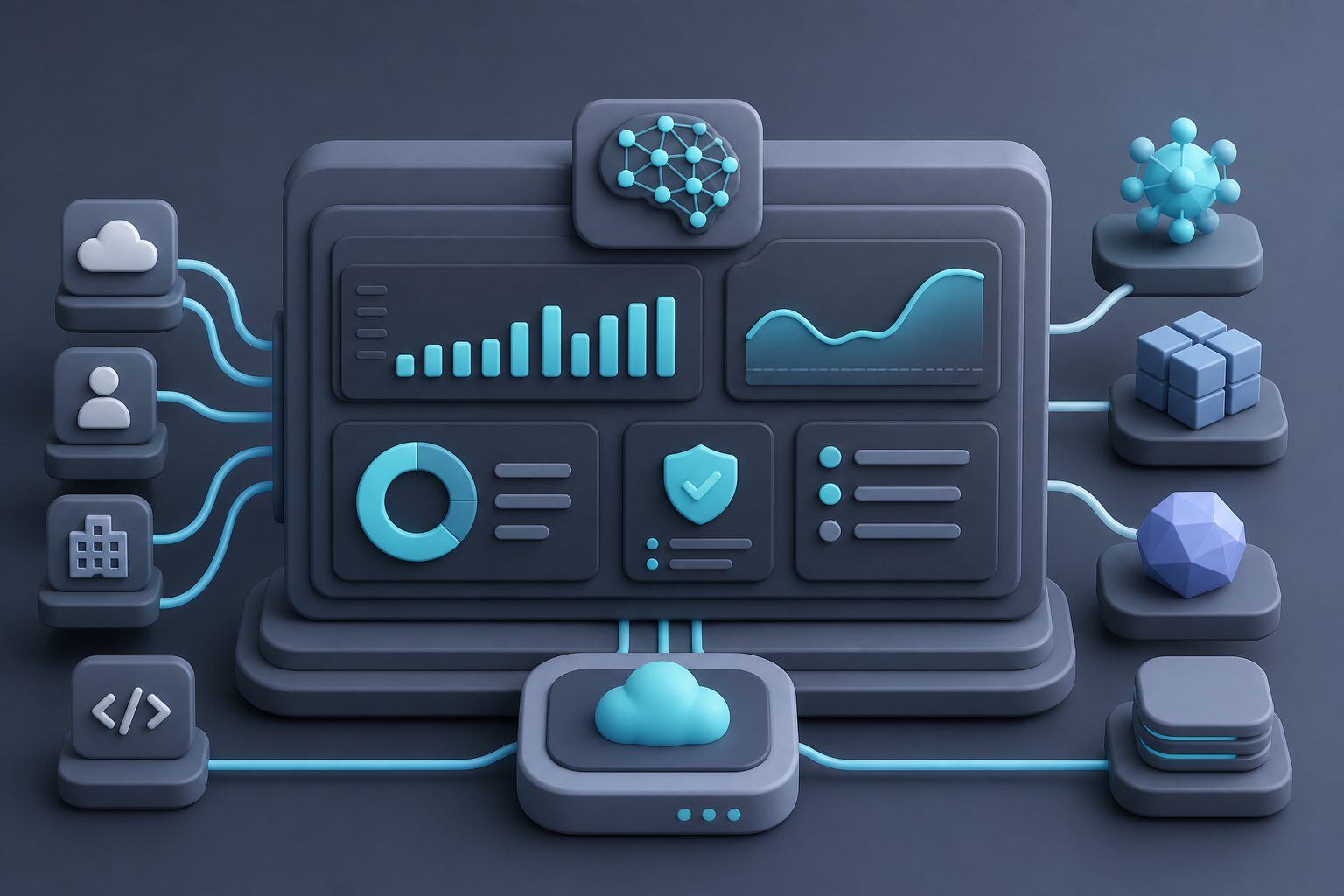
An AI Gateway is the operational layer that turns scattered model calls into governed AI infrastructure. The winning design is not the one with the longest feature list; it is the one that makes every request attributable, every routing decision explainable, and every policy enforceable.
For teams adopting multiple models, a unified API can be the first step. For teams running AI in production, the gateway should become the place where reliability, cost, security, and model flexibility meet.